
If you’ve bought a new PC/Laptop and thus have forgotten you made some configuration changes when you made your first application with a RESTfull API or you’re just starting out with building a RESTfull API for one of your application then you’ll most definitely encounter the Http error 404.0 – Not Found.
This happens when you’re attempting either an Http PUT or DELETE operation and the request never gets to your application. This is happening because IIS (either the full blown version or IIS Express) has not been configured to accept Http request with the PUT and/or DELETE verbs (Http Methods).
The fix is really simple. All you need to do is modify the applicationhost.config file for your respective web server. For the full blown IIS, you can do it using the Internet Information Services Manager UI while for IIS Express you need to modify the file manually.
Adding PUT and DELETE verbs for IIS
Open up IIS Manager
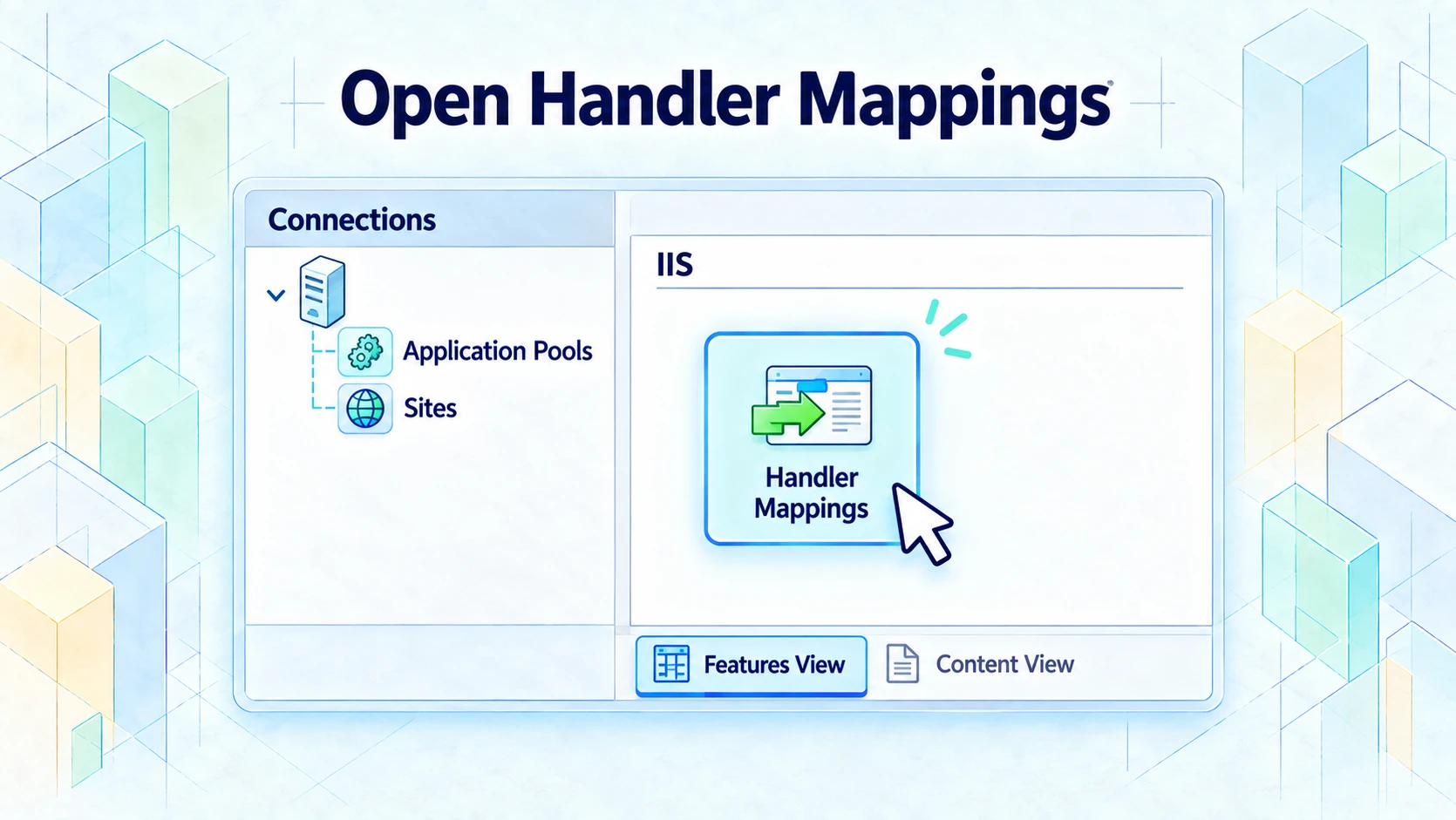

Double-click on the ExtensionlessUrl-Integrated-4.0 handler shown in the image above. The dialog shown below takes a while to show up, but it will show up eventually.
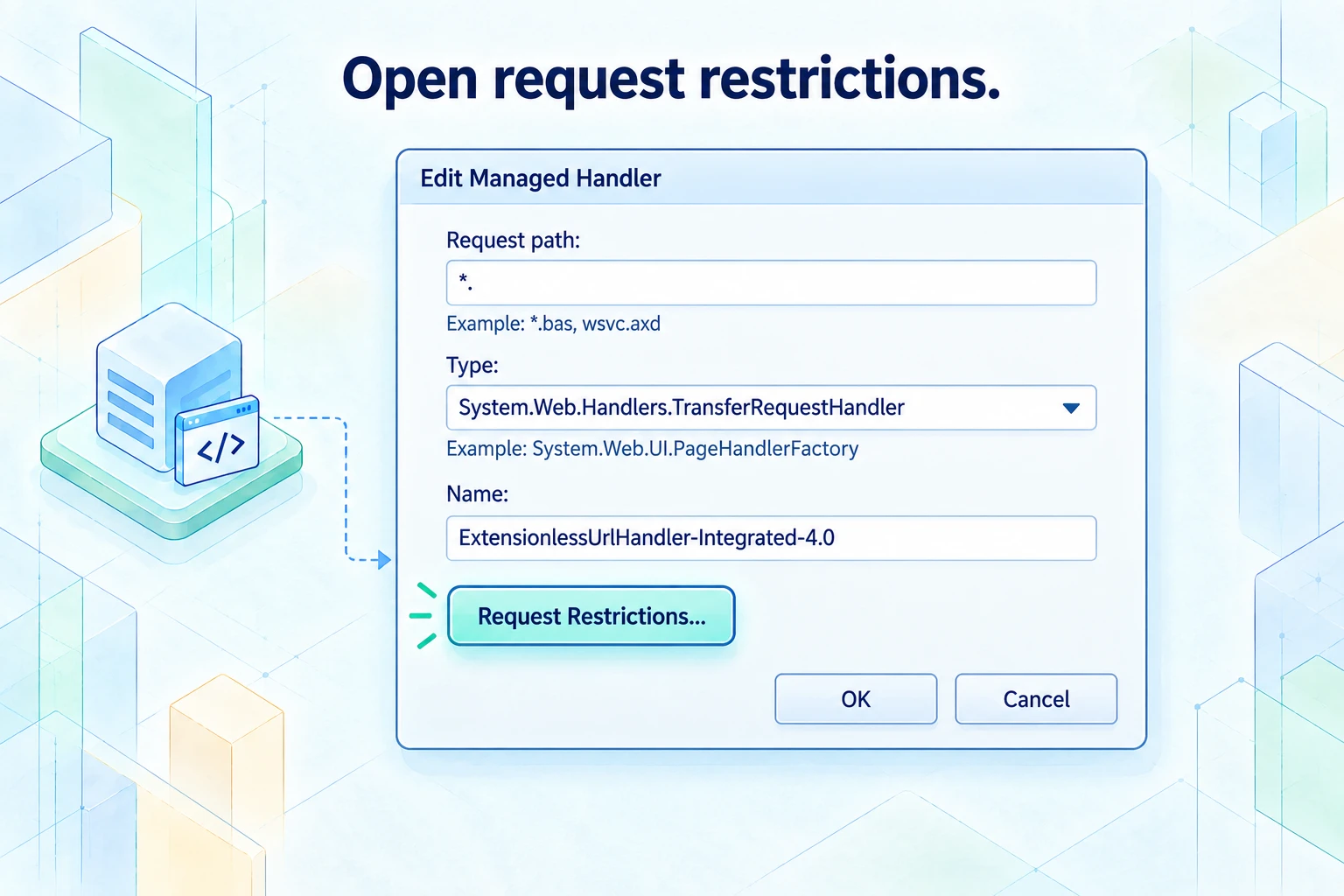
Click on the Request Restrictions… button
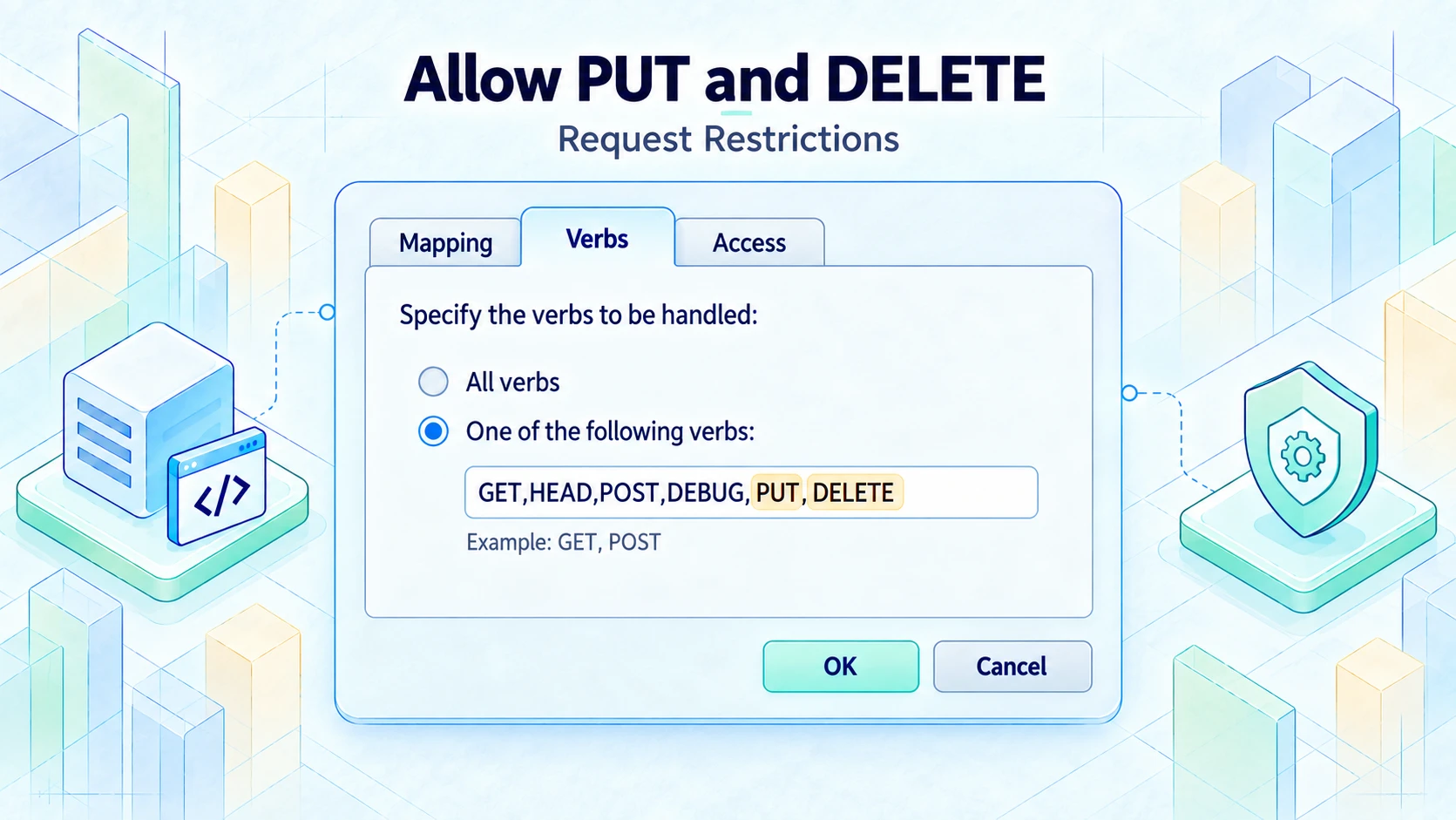
Switch to the “Verbs” tab in the dialog presented and modify the “One of these verbs” field to include the PUT and DELETE verbs, click OK all the out and you’re done.
PUT and DELETE verbs for IIS Express
As I said earlier, for IIS express, you need to modify the applicationhost.config file that IIS Express uses manually. You’ll find this file in your MyDocuments folder under IISExpress\config.
The setting that needs to be changed can be found towards the end of the file. You’re looking for the ExtensionlessUrl-Integrated-4.0 node under the system.webserver section, under handlers node.
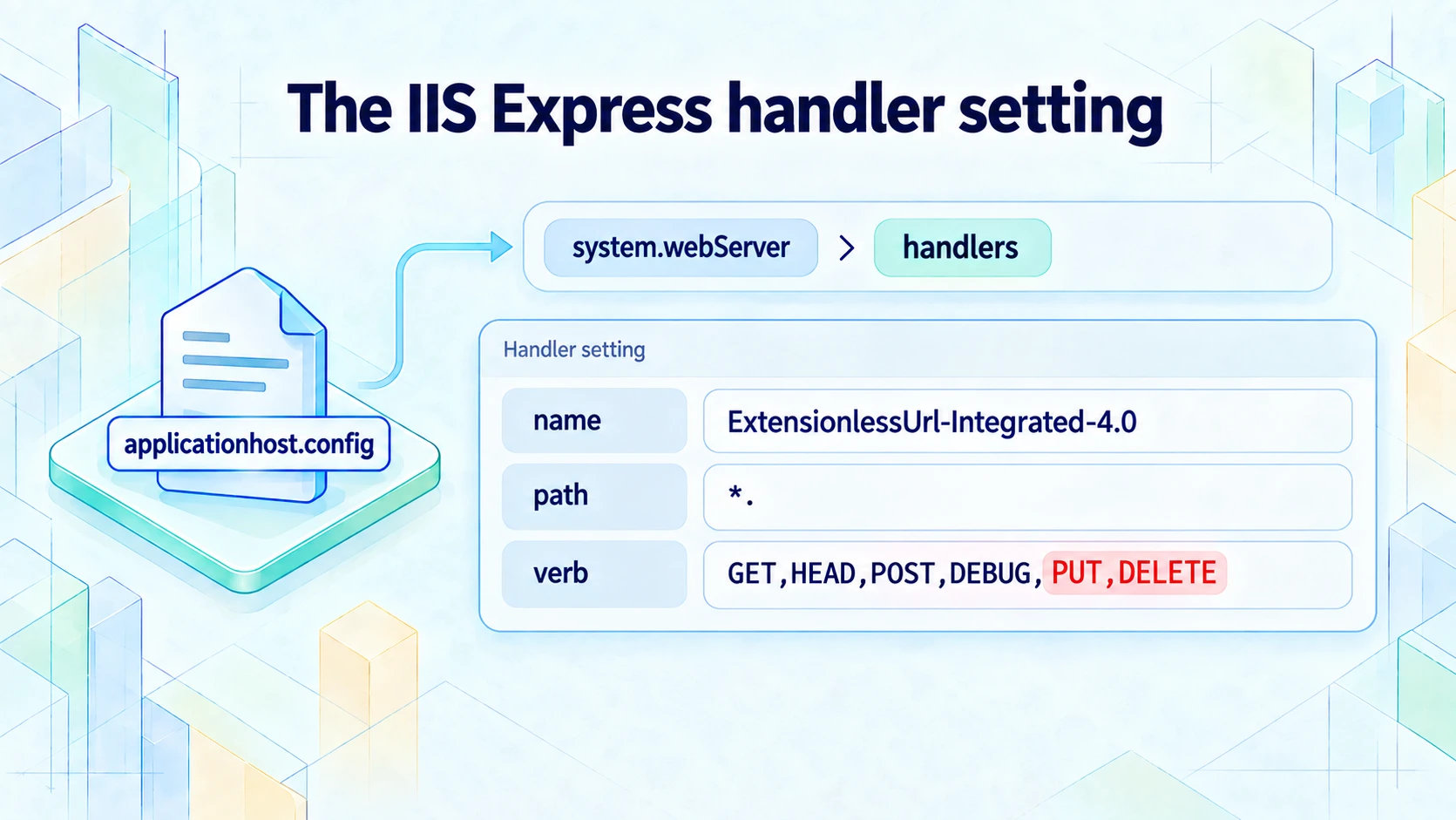
You’ll need to add PUT and DELETE to the “verb” attribute for the handler. Save the file and you’re done.